
All Cursor Packs
Browse our full collection of custom cursors. Find your next favorite style and install it for free.
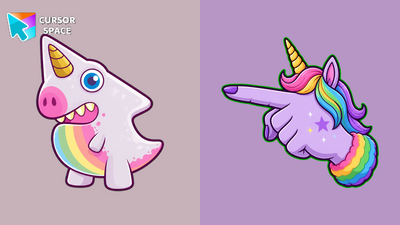 Prism Horn Monster CursorPrism Horn Monster Cursor on Cursor Space - lavender unicorn-dino arrow with a rainbow-belly cuff pointing hand.
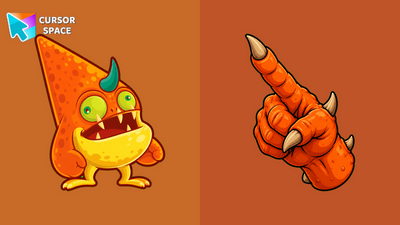 Tangerine Horn Monster CursorTangerine Horn Monster Cursor on Cursor Space - orange spotted horned arrow with a belly-patch cuff pointing hand.
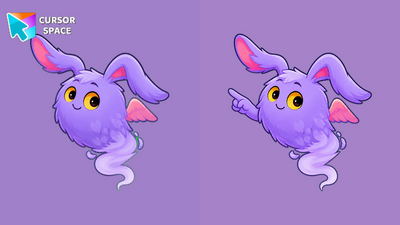 Puff Ear Floater Monster CursorPuff Ear Floater Monster Cursor on Cursor Space - lavender fluff floater arrow with a floppy-ear cuff pointing hand.
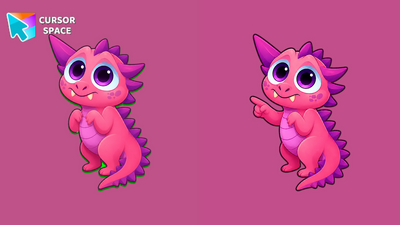 Blush Spike Monster CursorBlush Spike Monster Cursor on Cursor Space - pink spiny dragon arrow with a spine cuff pointing hand.
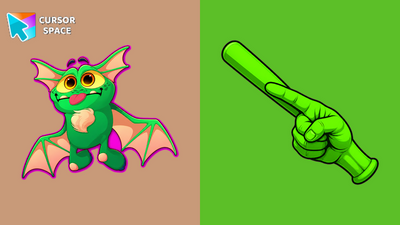 Leafwing Bat Monster CursorLeafwing Bat Monster Cursor on Cursor Space - lime bat-wing arrow with a peach-belly cuff pointing hand.
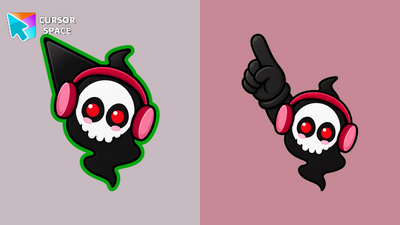 Beats Skull Ghost Monster CursorBeats Skull Ghost Monster Cursor on Cursor Space - black headphone ghost arrow with a skull cuff pointing hand.
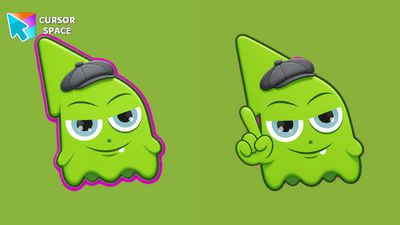 Chillcap Slime Monster CursorChillcap Slime Monster Cursor on Cursor Space - lime blob arrow with a newsboy-cap cuff pointing hand.
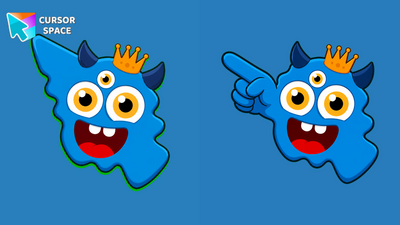 Crown Trieye Monster CursorCrown Trieye Monster Cursor on Cursor Space - blue crowned tri-eye arrow with a royal cuff pointing hand.
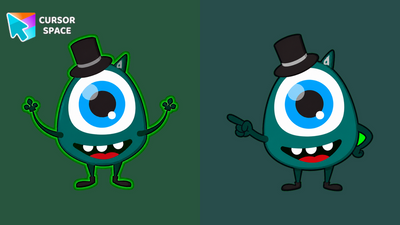 Dapper Cyclops Monster CursorDapper Cyclops Monster Cursor on Cursor Space - teal top-hat cyclops arrow with a dapper cuff pointing hand.
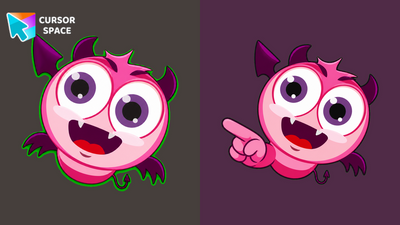 Bubblebat Imp Monster CursorBubblebat Imp Monster Cursor on Cursor Space - pink floating bat-devil arrow with a wing cuff pointing hand.
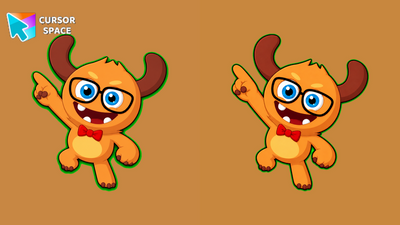 Bookish Moose Monster CursorBookish Moose Monster Cursor on Cursor Space - tan antlered nerd arrow with a bow-tie cuff pointing hand.
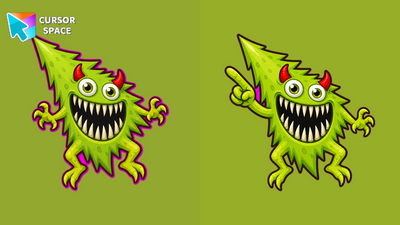 Thorn Chomp Monster CursorThorn Chomp Monster Cursor on Cursor Space - spiky green chomper arrow with a thorn cuff pointing hand.
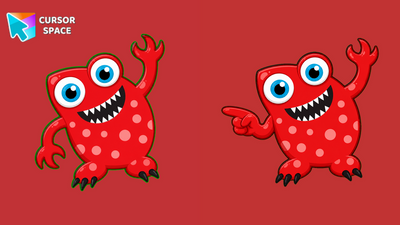 Cherry Dot Monster CursorCherry Dot Monster Cursor on Cursor Space - red polka-dot arrow with a dotted cuff pointing hand.
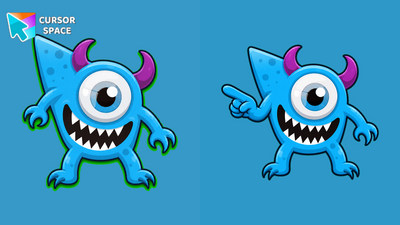 Sky Cyclops Monster CursorSky Cyclops Monster Cursor on Cursor Space - light blue one-eye cyclops arrow with a horned cuff pointing hand.
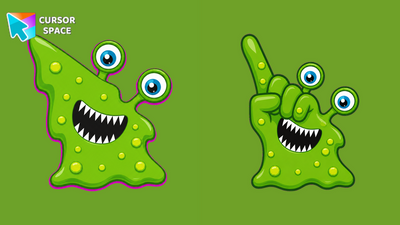 Goo Slime Monster CursorGoo Slime Monster Cursor on Cursor Space - melting green slime blob arrow with a gooey cuff pointing hand.
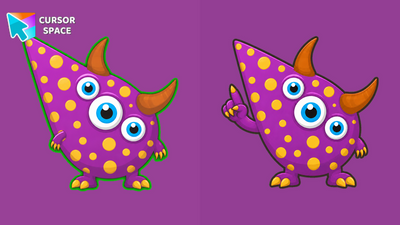 Amethyst Spot Monster CursorAmethyst Spot Monster Cursor on Cursor Space - purple spotted tri-eye arrow with a horned cuff pointing hand.
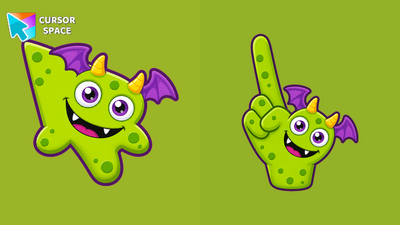 Lime Bat Monster CursorLime Bat Monster Cursor on Cursor Space - lime green bat-wing arrow with a purple-wing cuff pointing hand.
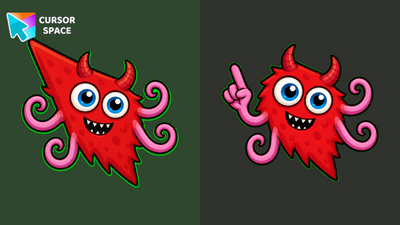 Crimson Tentacle Monster CursorCrimson Tentacle Monster Cursor on Cursor Space - red spiky tentacle arrow with a curly cuff pointing hand.
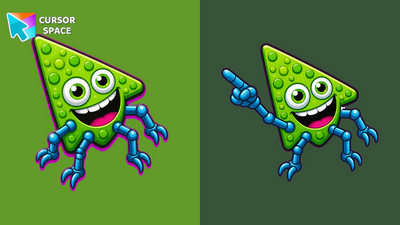 Jade Stud Monster CursorJade Stud Monster Cursor on Cursor Space - green studded round arrow with a jointed-leg cuff pointing hand.
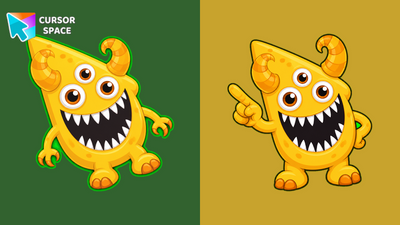 Golden Curl Monster CursorGolden Curl Monster Cursor on Cursor Space - golden horned tri-eye arrow with a curly cuff pointing hand.
Explore cursor packs by style
Cursor Space packs include curated cursor sets for everyday browsing: cute, minimal, anime, neon, pixel art, and more. Each pack comes with multiple cursor states (like default and pointer) and can be added to your browser in seconds.
Trending now
Fresh picks based on what people install most often.
Collections
Browse themed sets grouped by vibe and aesthetic.
Top charts
See weekly, monthly, and all-time leaders.
How to install a cursor pack
- Open any pack from the grid above.
- Click the install / add button on the pack page.
- If you don’t have it yet, install the Cursor Space browser extension.
- Apply the pack in the extension and enjoy your new cursor.
FAQ
Quick answers to common questions about cursor packs, collections, and installation.
Are cursor packs free on Cursor Space?
Most cursor packs on Cursor Space are free to browse and install. Some packs may be marked premium depending on licensing. The Cursor Space browser extension is free to install from the Chrome Web Store.
Do cursor packs work on Chrome and Edge?
Yes. Install the Cursor Space extension for Chromium-based browsers (Chrome, Edge, Brave), open a pack page, and click install/apply. The extension applies the cursor set across your browser.
How do I install a custom cursor pack?
Open the pack page, click the install or add button, install the Cursor Space extension if prompted, then apply the pack from the extension popup. Your new cursor appears immediately.
Can I change or remove a custom cursor later?
Yes. Open the Cursor Space extension, choose another pack, or restore the default system cursor from the extension settings.
Is the Cursor Space extension safe?
Cursor Space is distributed via the Chrome Web Store and Edge Add-ons. Keep the extension updated, and only install packs from trusted catalog pages on this site.