
All Cursor Packs
Browse our full collection of custom cursors. Find your next favorite style and install it for free.
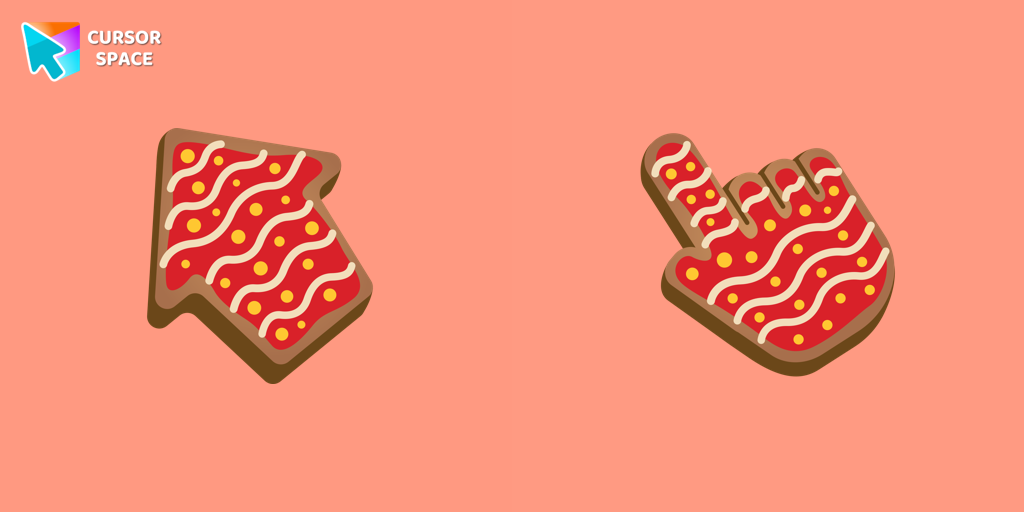 Gingerbread cursorImprove your browsing experience with The Gingerbread custom cursor. Its charming and delightful design adds warmth and nostalgic appeal to every click.
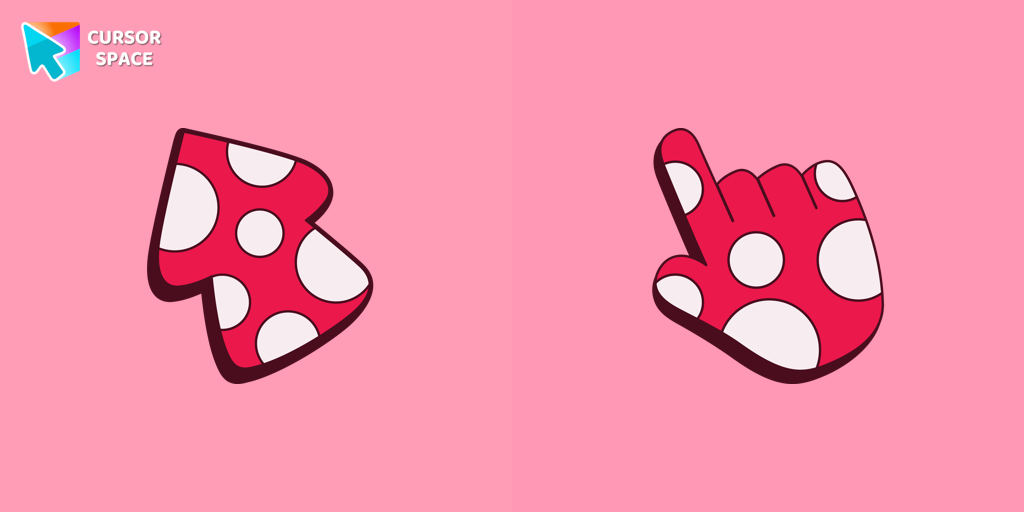 Amanita cursorUnleash your creativity with the Amanita custom cursor, featuring a striking red and white design inspired by nature. Ideal for artists and nature enthusiasts!
 Red Line cursorEnhance your experience with The Red Line custom cursor, which combines sleek minimalism with bold style and practical design for desktop and browsing.
 Super Trendy cursorImprove your digital look with the Super Trendy custom cursor - it has a modern design, bright colors, and elegant style for a striking browsing experience!
 TopTop cursorEnhance your digital experience with the TopTop custom cursor - a vibrant and lively design that adds playful charm and practicality to your desktop!
 Sea cursorIntroducing our unique nautical cursor for web navigation! The charming Sea cursor is a great addition to your screen as a mouse pointer.
 Blue Bug cursorThe Cursors for Chrome set features the delightful Blue Bug cursor and a sleek pointer, bringing both fun and elegance to your browsing experience.
 The Jolly cursorThe Jolly cursor, a remarkable addition to The Cursors' collection, boasts an attractive design and smooth functionality, delighting users who seek an improved browsing experience.
 Flying Green cursorUpgrade your browsing with the Flying Green custom cursor, featuring a sleek design and smooth flying animation for added elegance and excitement.
 Sword cursorBegin an adventure with our Sword custom cursor. Turn your browsing experience into a journey of precision and style.
 Mix cursorEnhance your interface with the Mix custom cursor set- a charming and stylish choice that adds uniqueness and enjoyment to your browsing experience.
 Weightless cursorExplore seamless navigation with our innovative custom cursor. The weightless cursor offers smooth, fluid movement for an improved digital experience.
 Triple Red cursorEnhance your browsing experience with our Triple Red custom cursor - a vibrant three-arrow design that adds style and confidence to every click.
 Ring cursorEnhance your desktop with The Ring custom cursor. Its sleek, animated ring design adds elegance and focus to your workflow.
 Striped cursorEnhance your desktop with the Striped custom cursor set, featuring vibrant green and blue stripes that bring a modern style and unique personality to your screen.
 Contemporary cursorEnhance your desktop with our Contemporary Cursor Pack, showcasing modern custom cursor designs. Personalize your experience with a sleek and unique style.
 Trendy cursorExplore "The Trendy Cursor" in our custom cursor collection. Enhance your default pointer with beautiful artwork for a chic, personalized browsing experience.
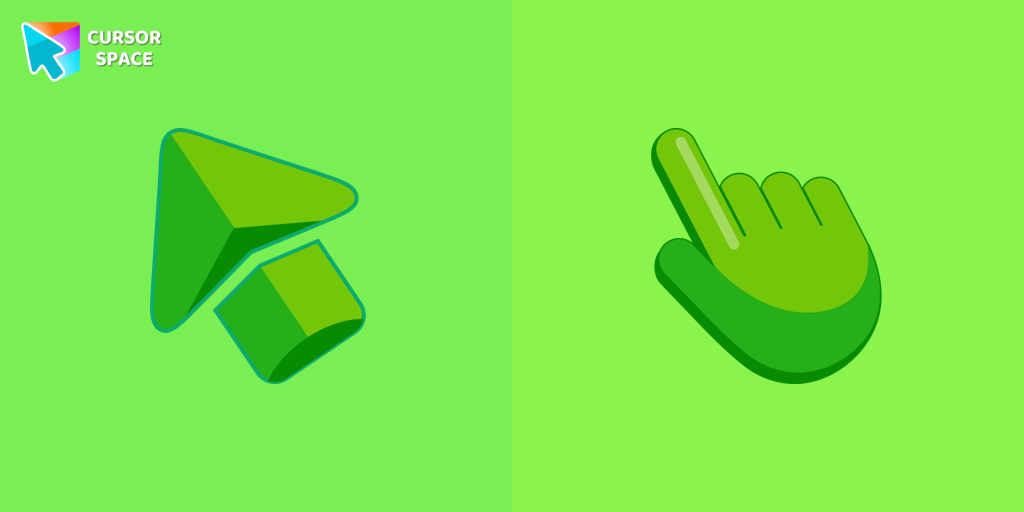 Green cursorEnhance your browsing experience with the charming Green custom cursor, a delightful upgrade that transforms your ordinary pointer with style and playfulness.
 Purple cursorWelcome to our Cursors custom collection for Chrome, featuring a stunning purple cursor to enhance your browsing experience.
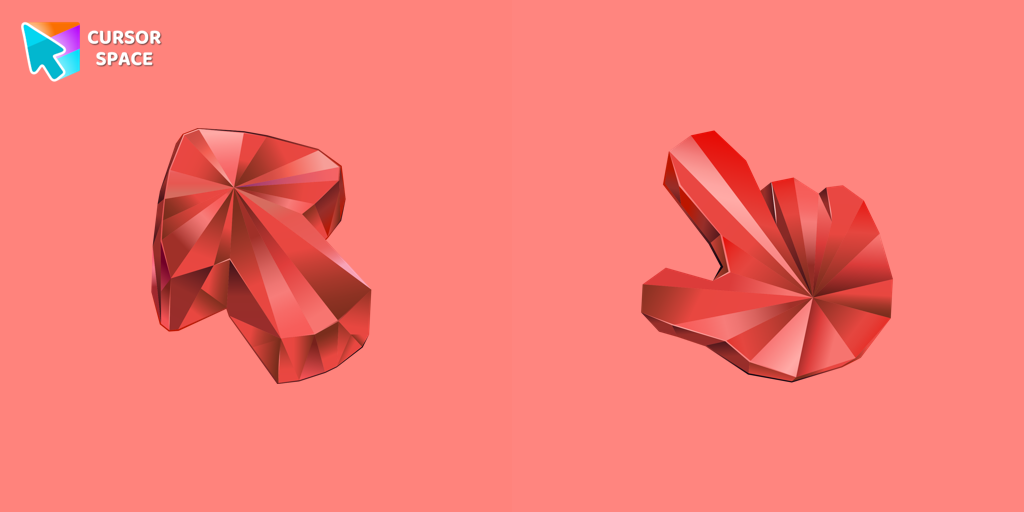 Ruby Stone Texture cursorEnhance your browsing with the Ruby Stone Texture custom cursor. This stylish custom cursor for Google Chrome adds a touch of luxury and elegance to your screen.
Explore cursor packs by style
Cursor Space packs include curated cursor sets for everyday browsing: cute, minimal, anime, neon, pixel art, and more. Each pack comes with multiple cursor states (like default and pointer) and can be added to your browser in seconds.
Trending now
Fresh picks based on what people install most often.
Collections
Browse themed sets grouped by vibe and aesthetic.
Top charts
See weekly, monthly, and all-time leaders.
How to install a cursor pack
- Open any pack from the grid above.
- Click the install / add button on the pack page.
- If you don’t have it yet, install the Cursor Space browser extension.
- Apply the pack in the extension and enjoy your new cursor.
FAQ
Quick answers to common questions about cursor packs, collections, and installation.
Are cursor packs free on Cursor Space?
Most cursor packs on Cursor Space are free to browse and install. Some packs may be marked premium depending on licensing. The Cursor Space browser extension is free to install from the Chrome Web Store.
Do cursor packs work on Chrome and Edge?
Yes. Install the Cursor Space extension for Chromium-based browsers (Chrome, Edge, Brave), open a pack page, and click install/apply. The extension applies the cursor set across your browser.
How do I install a custom cursor pack?
Open the pack page, click the install or add button, install the Cursor Space extension if prompted, then apply the pack from the extension popup. Your new cursor appears immediately.
Can I change or remove a custom cursor later?
Yes. Open the Cursor Space extension, choose another pack, or restore the default system cursor from the extension settings.
Is the Cursor Space extension safe?
Cursor Space is distributed via the Chrome Web Store and Edge Add-ons. Keep the extension updated, and only install packs from trusted catalog pages on this site.